

Import
Bring in a PDF score or photo.
Measure-first score viewer
Import PDFs or photos, draw the measures you need, and turn your score into a practice flow on your phone.
Set the order and timing once. SheetCue moves to the next measure while metronome, timer, speed, and A–B loop stay close.
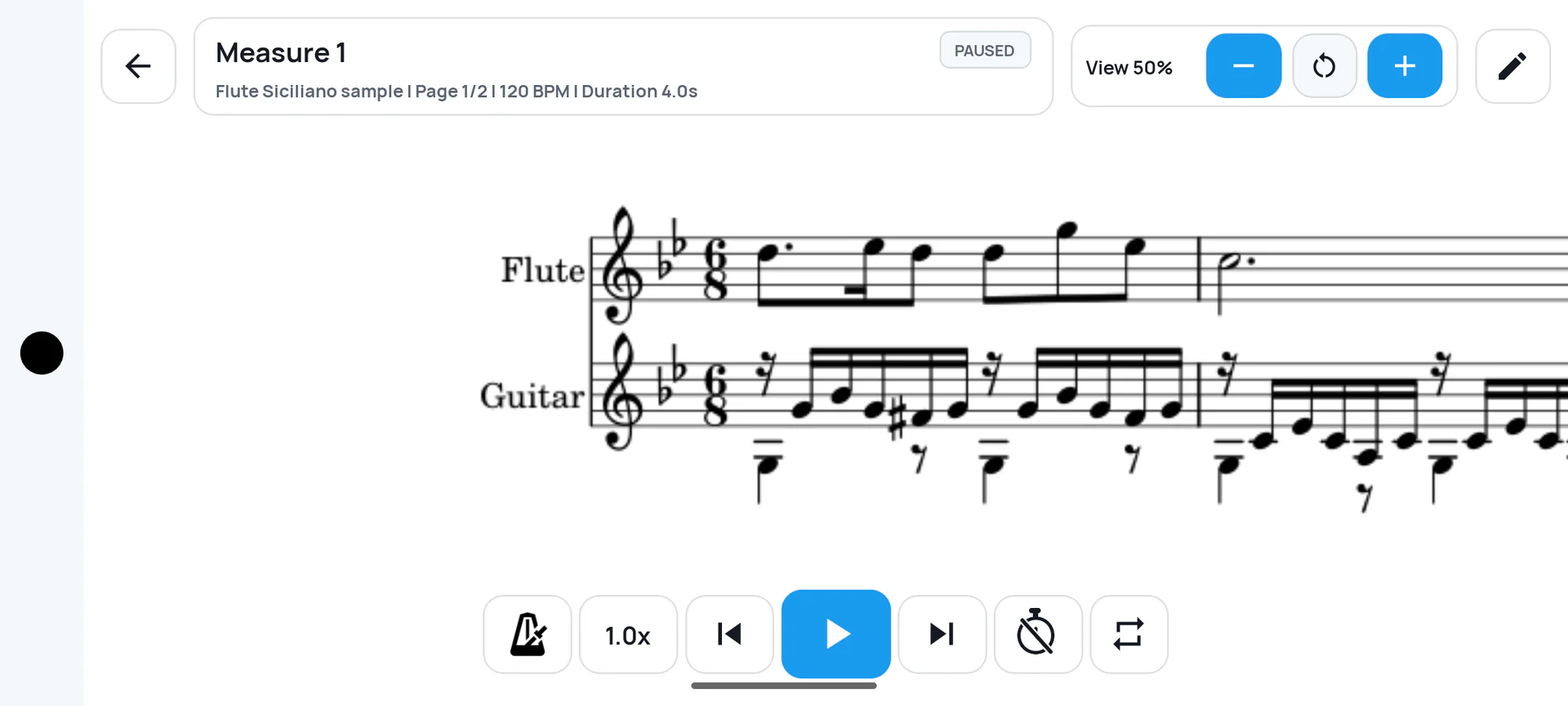
Practice measure by measure without bringing a tablet or a second screen.
Bring in the score files and images you already use.
Move forward by the order and timing you set, without tapping for every measure.
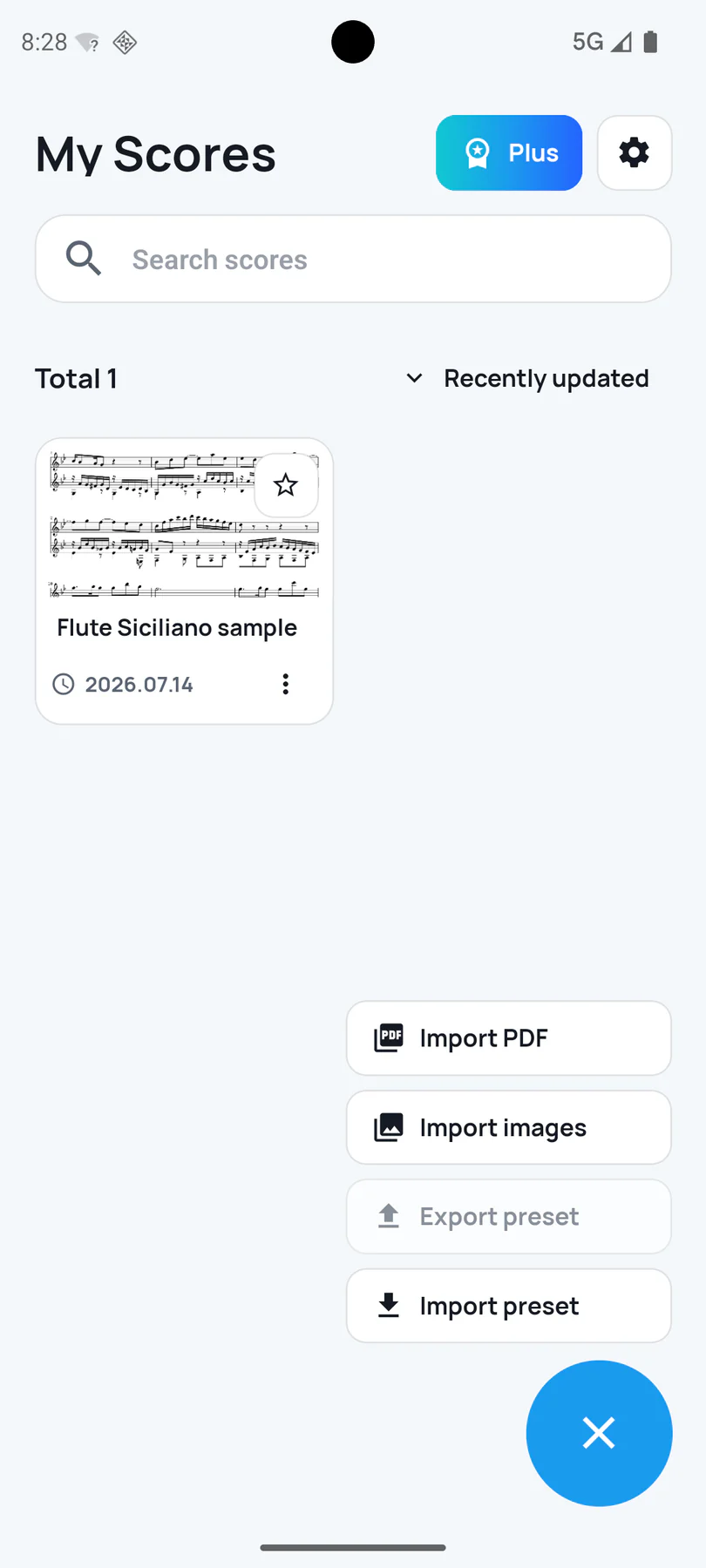
Start from the score you already have. SheetCue keeps PDF, image, and preset actions together in one score library.
Choose either format from the same clear import menu.
Return to a simple library instead of rebuilding your setup.
Import saved practice presets when you want to reuse a setup.
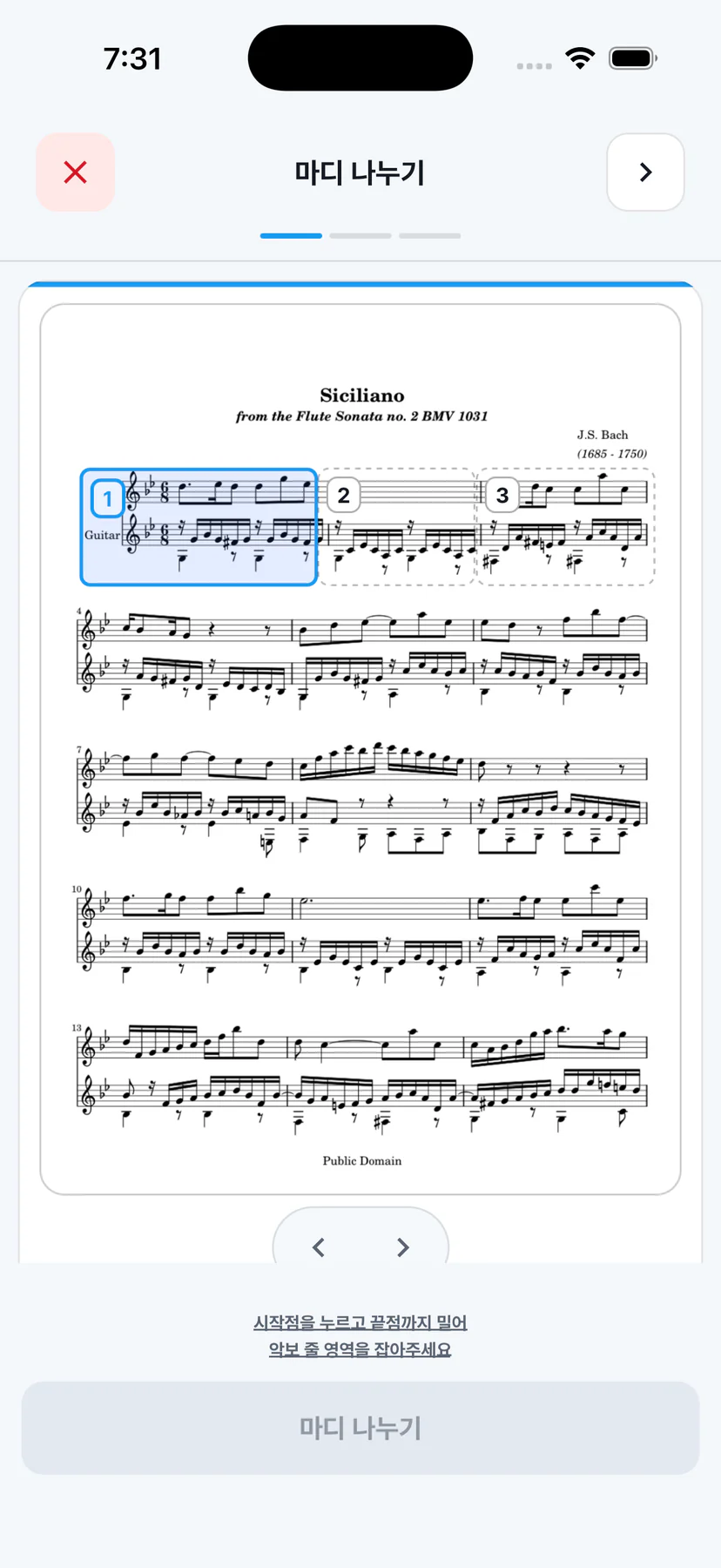
Define the musical area, add the boundaries that matter, and check the resulting measures before practice starts.
Frame the staff line you want to turn into practice cues.
Place measure divisions where the printed score needs them.
See the finished measure boxes and correct them directly.
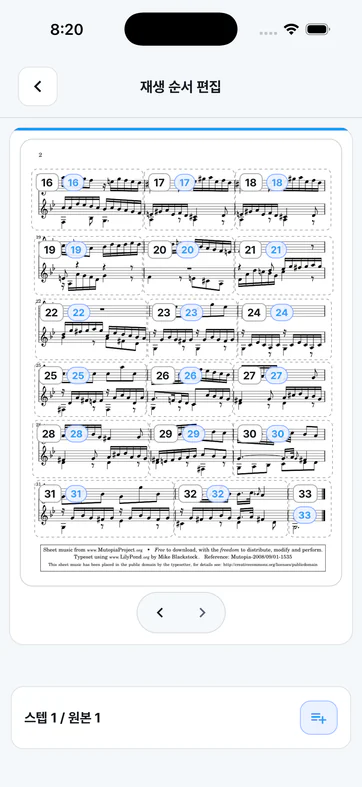
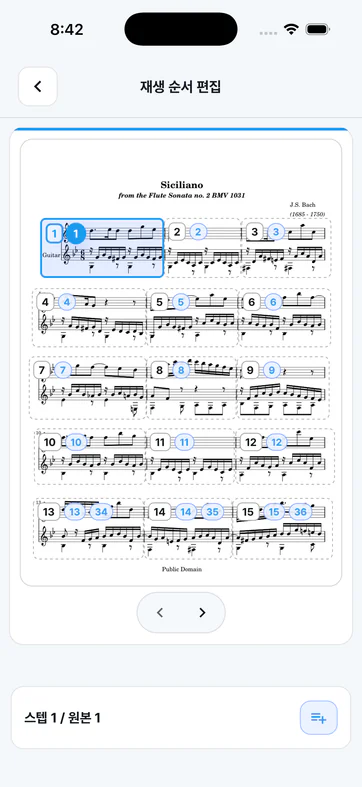
Build a rehearsal sequence across pages instead of being locked to the printed page order.
Continue from page 2 back to page 1 when the music calls for it.
Add repeated measures to the sequence you will actually play.
Numbered cues make the rehearsal path easy to inspect.
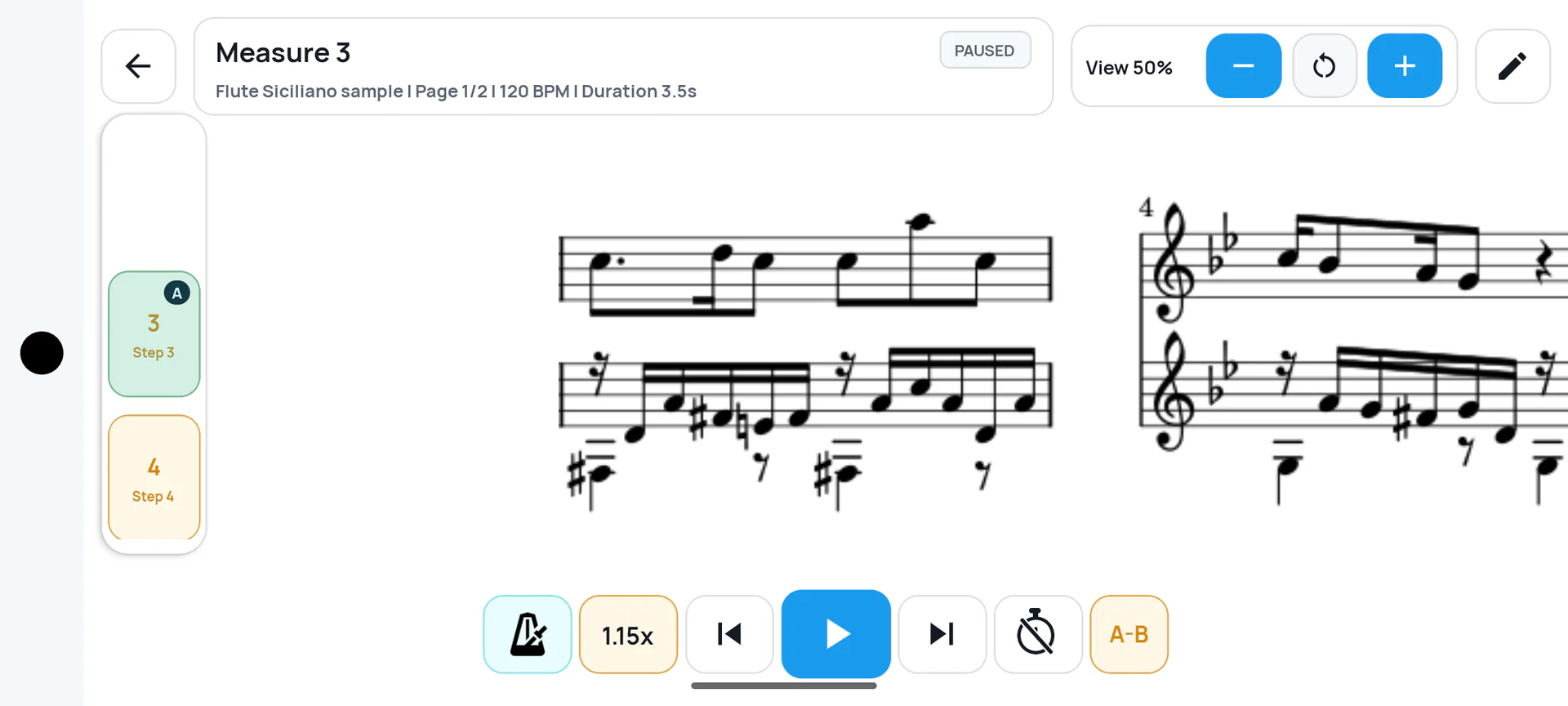
SheetCue advances through the measures using the timing and order you set. Metronome, timer, speed, and A–B loop remain available on the practice screen.
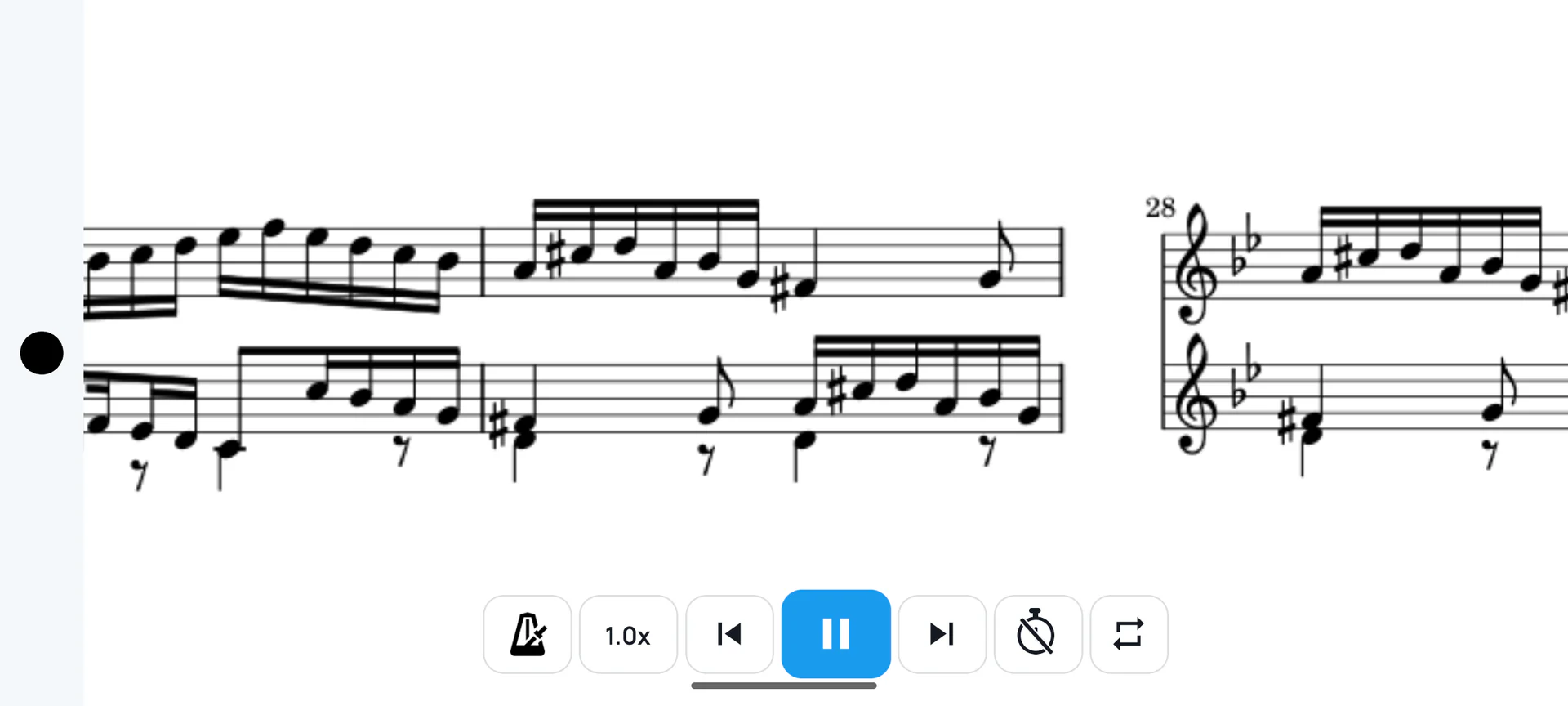
A–B loop for the passage that needs work · metronome · timer · speed
Bring in a PDF score or photo.
Define measure areas and boundaries.
Set the order, repeats, and timing.
Follow each cue with your tools close.
Imported score PDFs, rendered pages, cropped measure images, and preset metadata are stored on the user's device. The current build does not create accounts and does not upload score files.
Get the free app on Google Play or the App Store. Imported scores and generated measure images stay on your device unless you export or share them.